

Description
Download Word in Picture:French – Interactive French Vocabulary Learning Tool
Overview
Word in Picture:French is an interactive educational mobile application designed to strengthen French vocabulary through visual and auditory learning methods. The app targets language learners at beginner to intermediate levels who benefit from image-based association and spoken pronunciation. By pairing real-world images with their French equivalents, the app creates a dynamic, engaging environment that supports memory retention and comprehension. Its core purpose is to simplify the process of learning new words by leveraging visual recognition and auditory reinforcement, making it ideal for both independent study and classroom integration.
The app addresses common challenges in language acquisition, such as difficulty remembering word meanings and mastering correct pronunciation. Through interactive quizzes and image matching exercises, users develop both recognition and recall skills. Real-world use cases include daily vocabulary building, preparation for language exams, and casual language practice during commutes or breaks. The developer did not provide additional technical details about the company or background, but the app’s structured approach suggests a focus on pedagogical effectiveness and user engagement.
Within the mobile learning ecosystem, Word in Picture:French fills a niche for visual and auditory learners seeking a low-pressure, self-paced method to expand their French vocabulary. Its emphasis on pronunciation and immersion through language settings makes it a valuable tool in the broader landscape of language-learning applications.
Key Features & Functionality
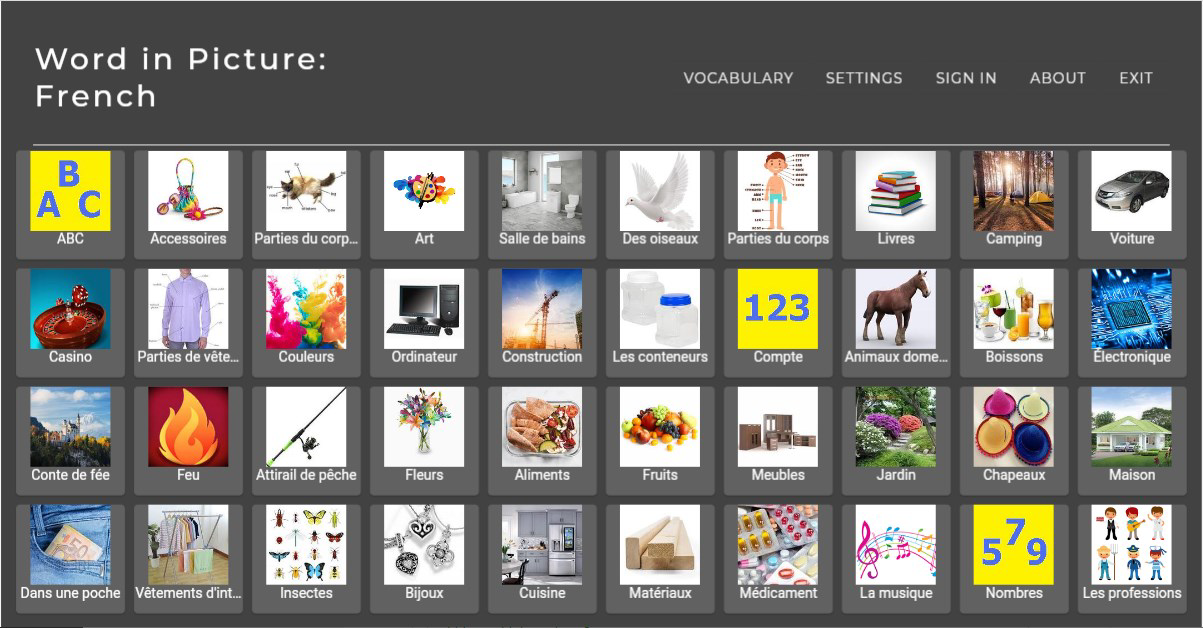
- Interactive Learning: Users engage with images representing common French words and phrases. By matching each image to its correct French term, learners build visual memory and reinforce language retention in a dynamic format.
- Voice Assistant Support: The in-app voice assistant delivers accurate pronunciation of French words, helping users develop proper accent and intonation through auditory feedback.
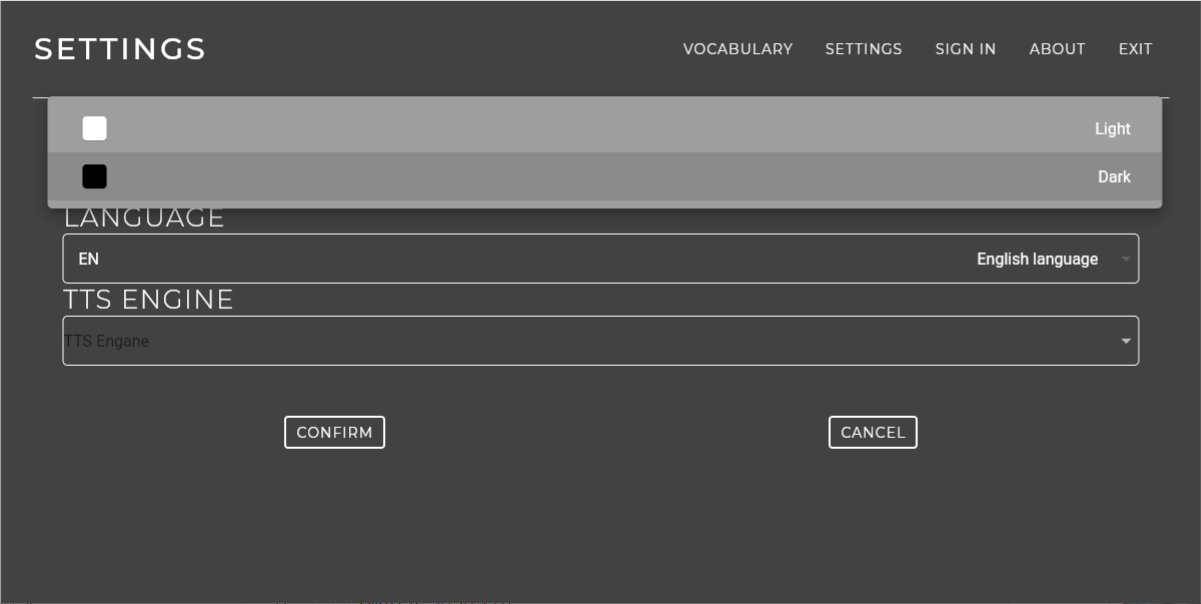
- Customizable Text-to-Speech (TTS) Options: Learners can adjust the voice settings, such as speed and tone, to align with their personal learning preferences and auditory processing styles.
- Primary French Language Setting: By setting French as the default language for the app interface and voice output, users immerse themselves in a French-speaking environment, improving listening and comprehension skills.
- Diverse Vocabulary Tests: The app includes a variety of topic-based quizzes covering everyday themes such as food, family, travel, and daily routines, ensuring broad exposure to essential vocabulary.
For example, a user learning food-related terms can view a picture of a baguette and hear the correct pronunciation “baguette,” then select the matching word from a list. This multi-sensory approach strengthens neural connections between image, sound, and meaning. Another user might use the customizable TTS feature to slow down spoken words for better understanding. These features collectively support different learning styles, enhancing accessibility and effectiveness.
Interface, UX & Performance
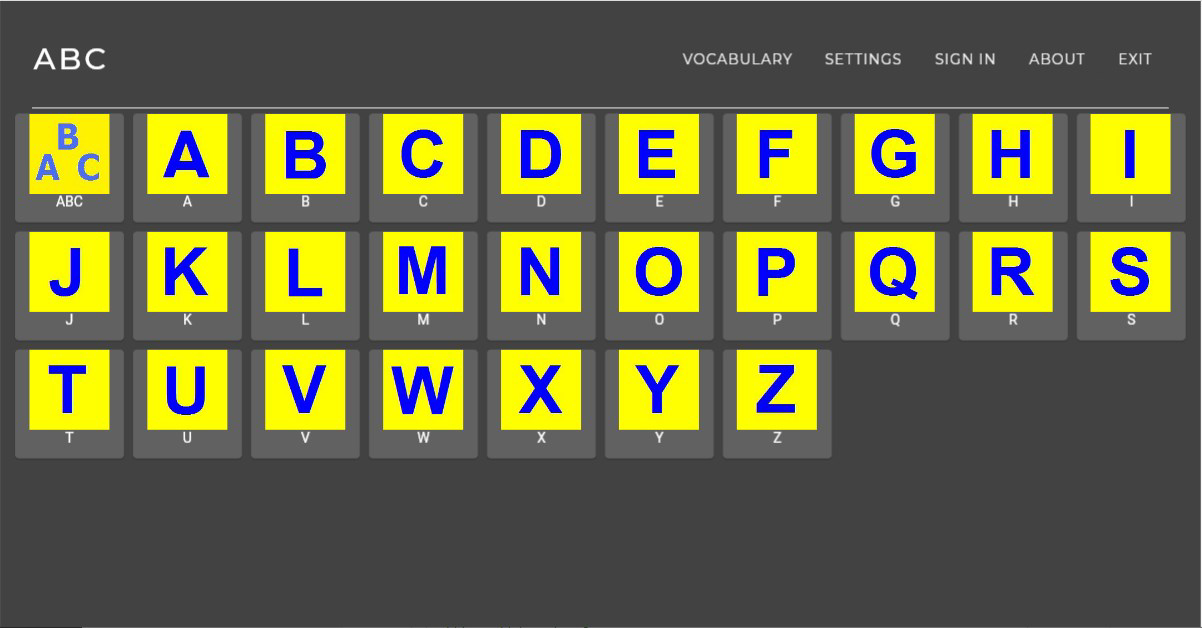
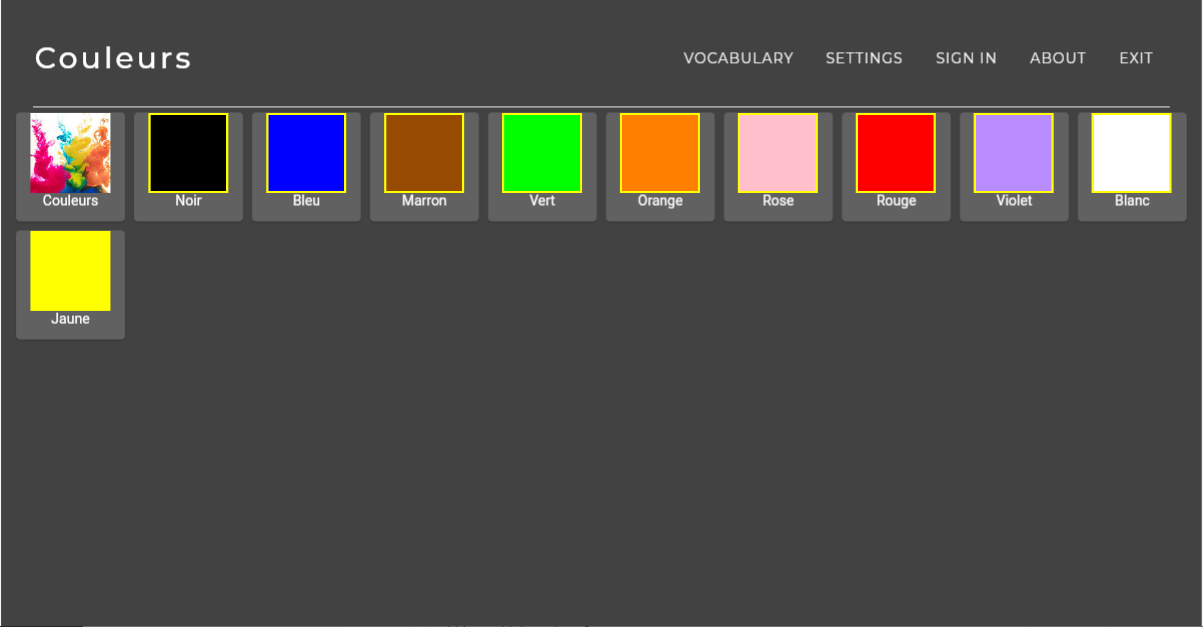
The user interface of Word in Picture:French is designed around visual clarity and intuitive navigation. The layout emphasizes images and interactive elements, with minimal text clutter to maintain focus on the learning content. Users can easily progress through lessons, quizzes, and settings with straightforward tap-based interactions. The visual style is clean and modern, using soft colors and clear icons that reduce cognitive load and support long-term engagement.
Navigation flows logically from one activity to the next, with consistent design patterns across screens. The app’s responsiveness is evident in smooth transitions between quizzes and feedback screens, although the developer did not list formal performance metrics. Although the developer did not list formal performance metrics, the app appears stable across various device categories, suggesting optimization for both entry-level and mid-range smartphones.
Users can expect consistent performance during quizzes and voice playback, with minimal lag or crashes. The interface remains accessible even during prolonged use, indicating strong stability. The app’s design supports both portrait and landscape orientations, enhancing usability in different environments, such as on a desk or while traveling.
Platform Compatibility & Technical Requirements
Word in Picture:French is available on Android and iOS platforms, making it accessible to a broad range of smartphone users. The app’s software version is 1.0, released on November 18, 2024. The file size is 45.6 MB, which is relatively compact and suitable for devices with limited storage space.
Specific requirements were not listed, so compatibility with older operating systems or hardware configurations remains unclear. The developer did not specify minimum OS requirements or device capabilities. Users should ensure their device meets standard app installation criteria for the respective platform. While the app’s size is small, its functionality suggests it may require a stable internet connection for voice features, though offline usage was not confirmed.
Pros and Cons
Pros
- Engaging visual and auditory learning experience for language beginners
- Text-to-speech feature supports pronunciation accuracy
- Customizable voice settings enhance personalization
- Immersive French language environment via primary language setting
- Compact file size suitable for low-storage devices
Cons
- Developer did not provide detailed system requirements
- No information on offline functionality
- Specific vocabulary categories were not disclosed
- No mention of progress tracking or user profiles
- Release date indicates a recent launch, so long-term stability is unverified
FAQ
Is Word in Picture:French free to download?
The app’s pricing information was not fully disclosed. Users should check the app store listing for current pricing and availability.
Can I use Word in Picture:French offline?
Specific details about offline functionality were not provided. The app may require internet access for voice features, but this was not confirmed.
Is the app available on both Android and iOS?
Yes, Word in Picture:French is available on both Android and iOS platforms.
How often are new vocabulary sets added?
The developer did not provide information on update frequency or content expansion plans.
Is the app safe to install?
As with any mobile application, users should download Word in Picture:French only from official app stores to ensure security and authenticity.
Final Thoughts + CTA
Word in Picture:French presents a focused, visually driven approach to language learning that caters to users who thrive on image-based memorization and auditory reinforcement. Its core strengths lie in its interactive design, pronunciation support, and customizable voice settings, making it a compelling choice for beginners and casual learners. While the app is newly released and lacks detailed information on updates, offline use, and progress tracking, its clean interface and compact size make it accessible and low-risk to try.
For those seeking a simple, engaging way to expand their French vocabulary without overwhelming content, this app offers a practical solution. Whether used during daily commutes, study breaks, or classroom sessions, it delivers value through immersive, multi-sensory learning. The emphasis on pronunciation and language immersion sets it apart from basic flashcard apps.
Download Word in Picture:French now
Guides & Tutorials for Word in Picture:French
How to install Word in Picture:French
- Click the Preview / Download button above.
- Once redirected, accept the terms and click Install.
- Wait for the Word in Picture:French download to finish on your device.
How to use Word in Picture:French
This software is primarily used for its core features described above. Open the app after installation to explore its capabilities.
User Reviews for Word in Picture:French 0
No reviews found


